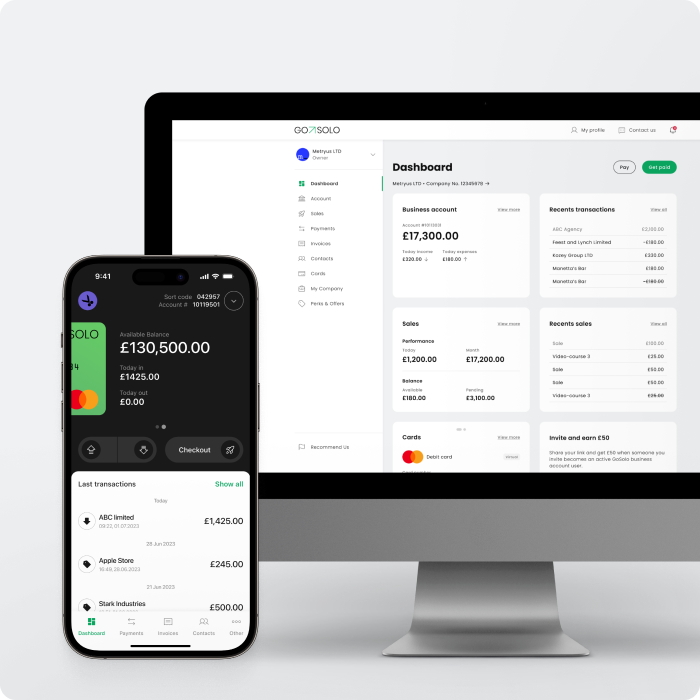
Accept payments anytime, anywhere

Accept payments anytime, anywhere
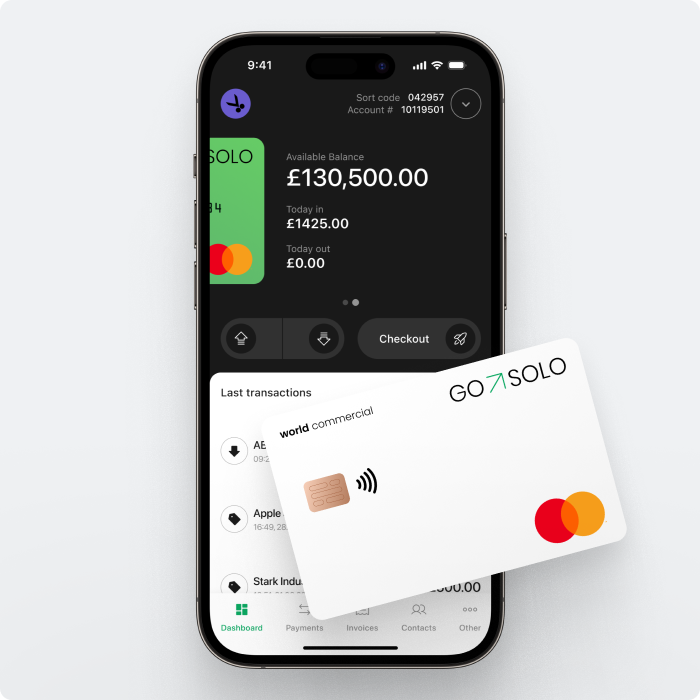
Accept payments in person and online instantly with
a free GoSolo business account
Accept payments anytime, anywhere

All-in-one payment platform

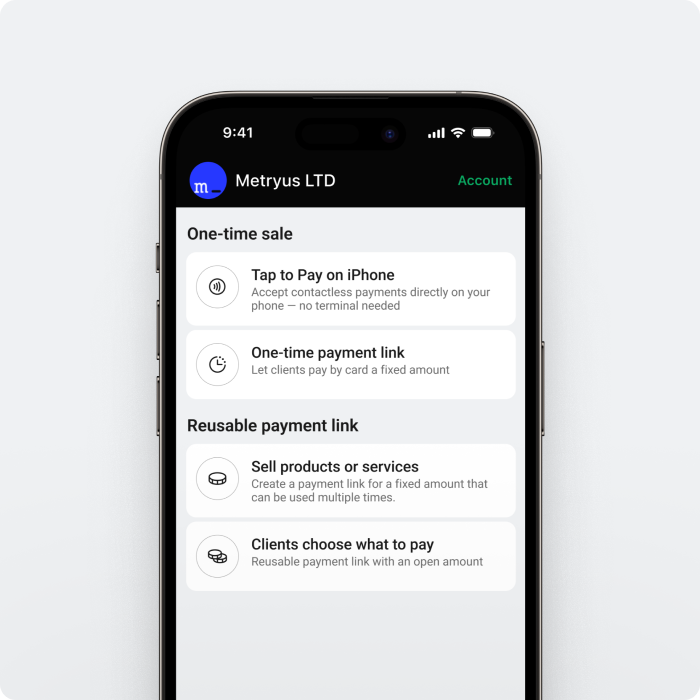
Tap to Pay on iPhone

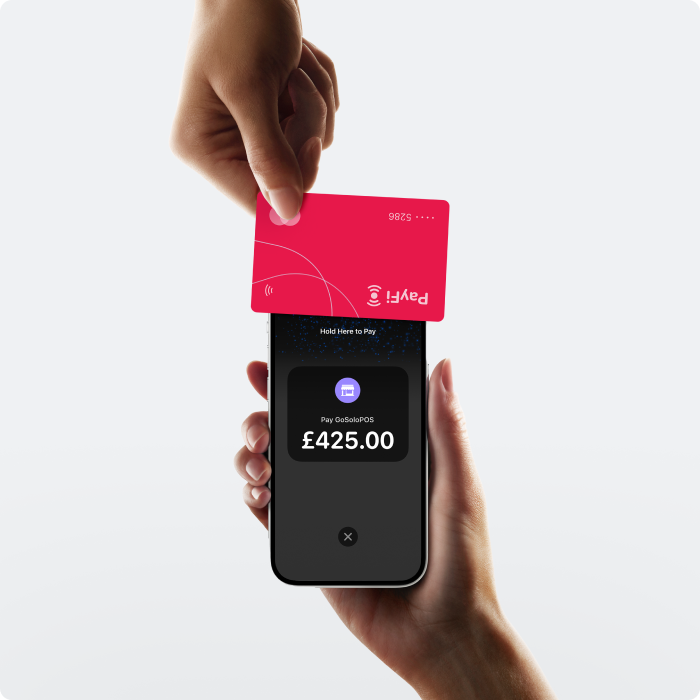
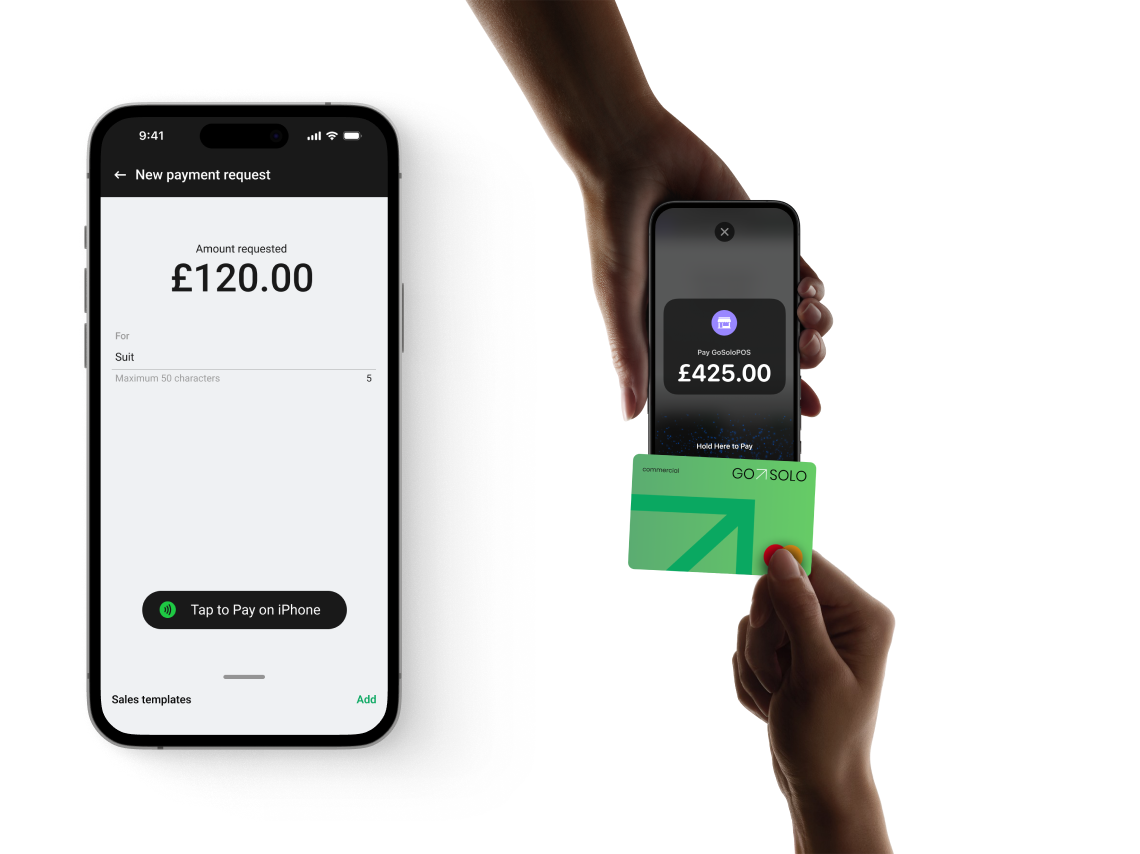
You don’t need pricey hardware to accept payments—get paid on the go with the GoSolo app. To unlock the Tap to Pay feature, simply install the GoSolo app on your phone and start receiving secure in-person payments in no time.

*Tap to Pay on iPhone requires iPhone XS or later running iOS 16.4 or later.

<a href="/tap-to-pay">Tap to Pay on iPhone</a>

Get paid in person via QR codes

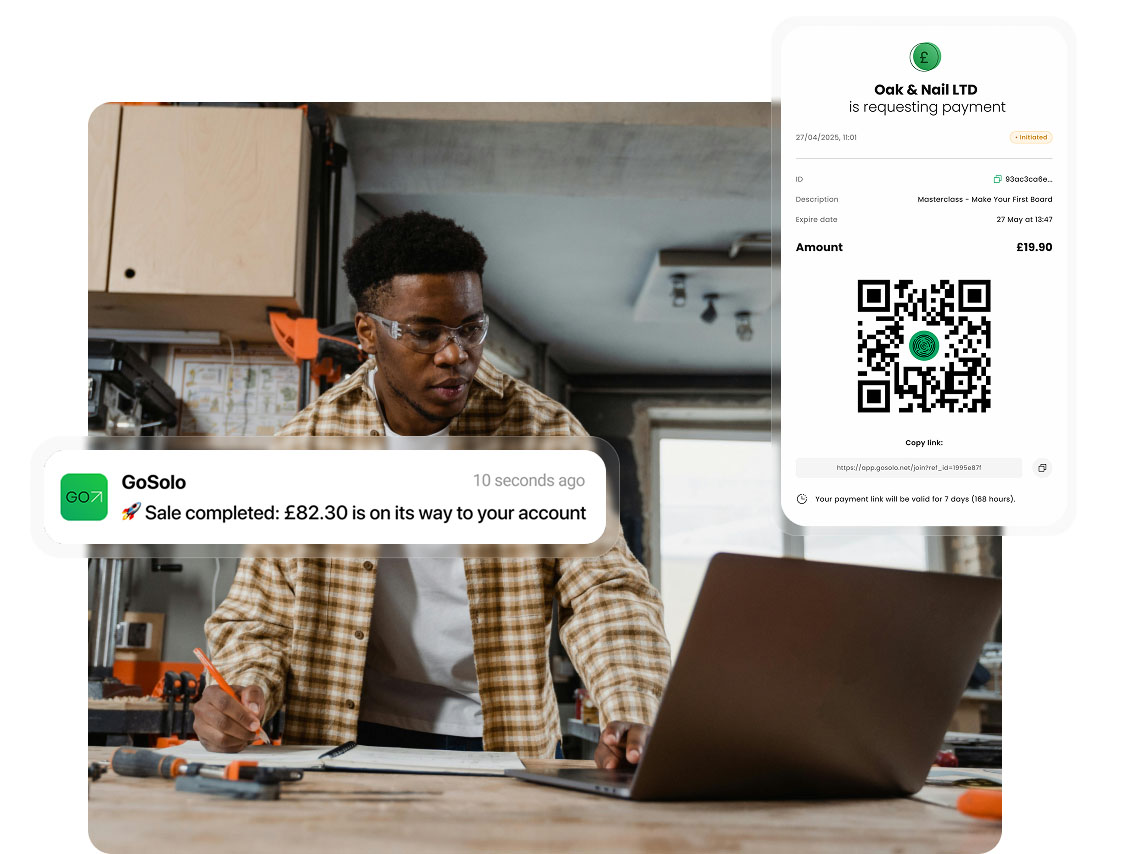
Generate a scannable code connected to the payment page. Customers don’t need a GoSolo account or app to make a payment. It is easy to get paid with QR codes, whether you run a food truck, a barbershop, or any other small business.

Get paid in person via QR codes

Payment links for speedy transactions

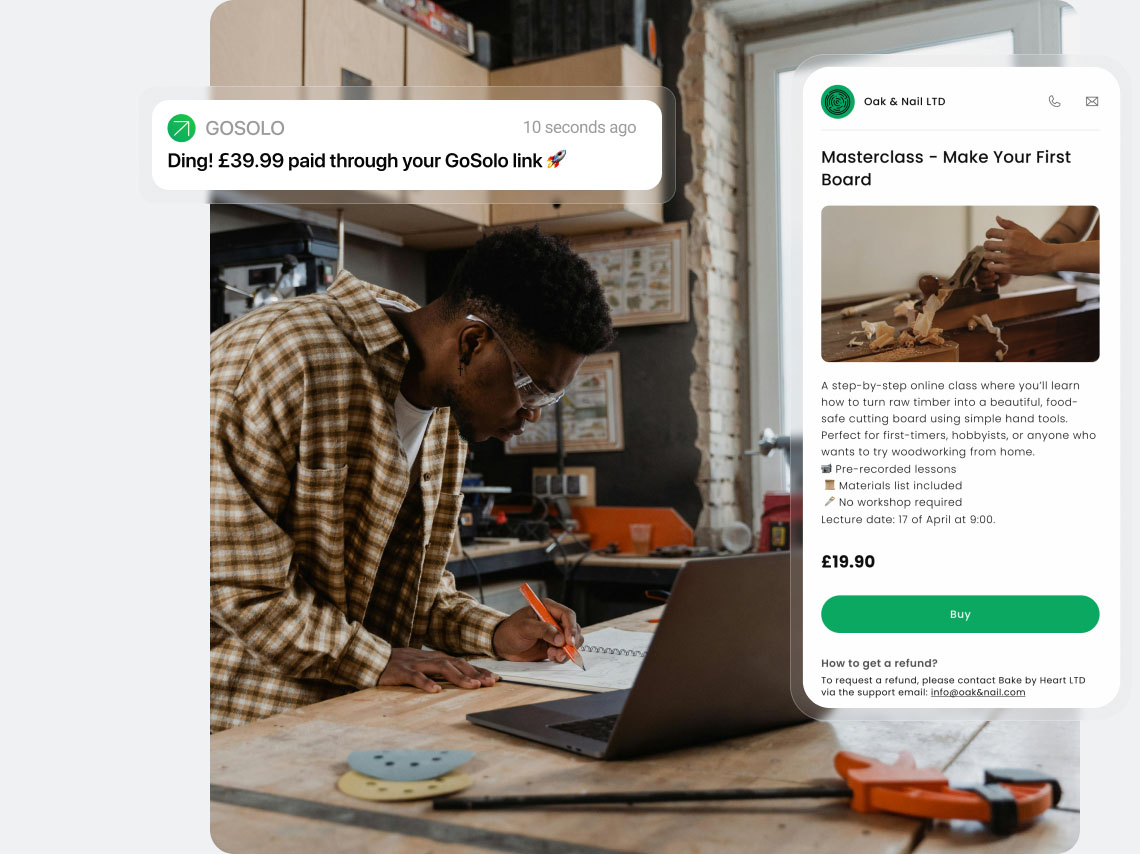
Need to take payments without a website or online store? GoSolo payment links take your customer to a secure checkout page where they can pay by card.
Share the link anywhere — email, text, Instagram — and choose the format that fits your business: single-use, reusable, or open amount.

<a href="/payment-links-for-business">Payment links for speedy transactions</a>

Sell popular products or services faster

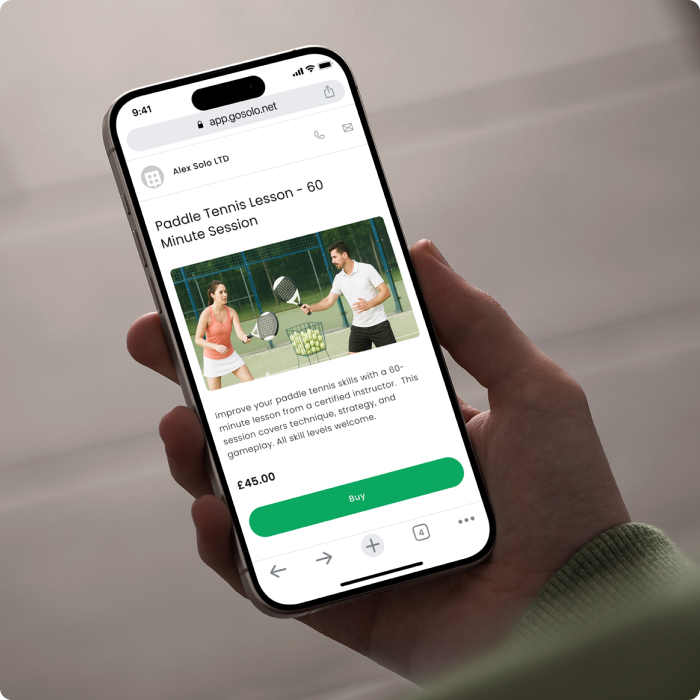
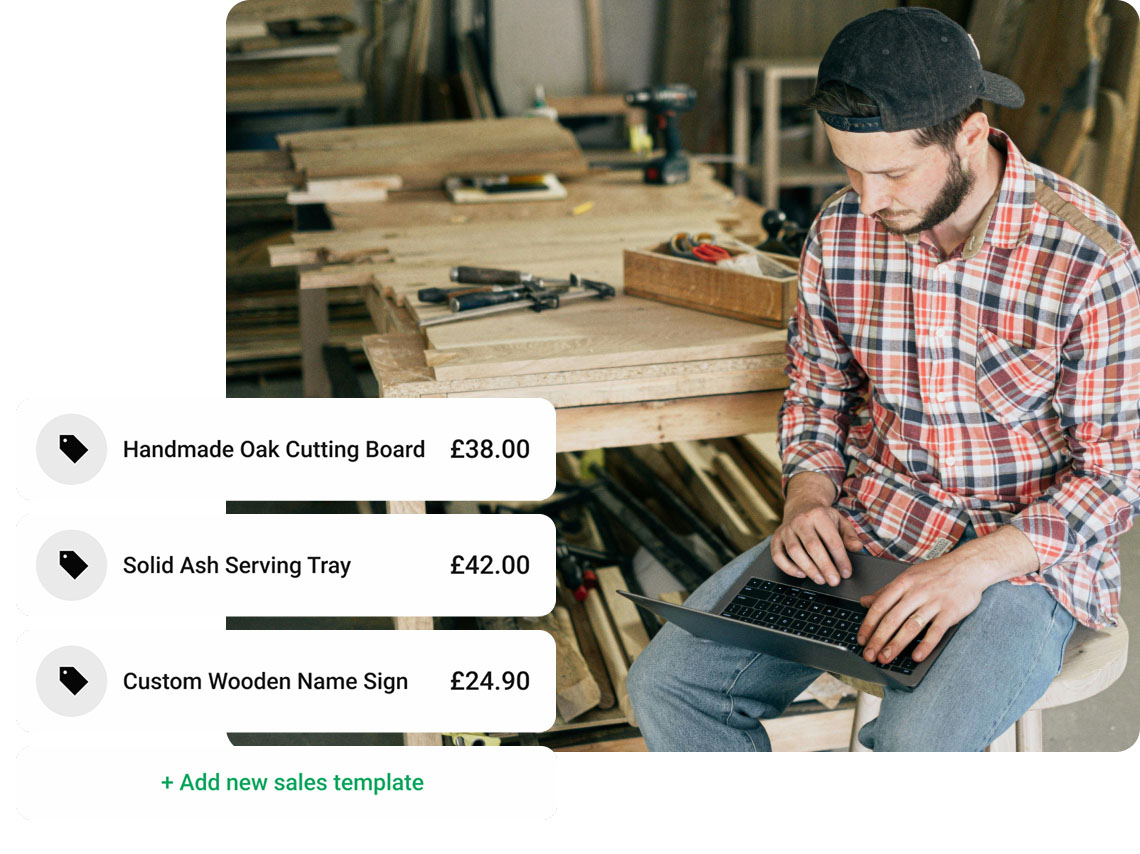
One tap to sell. Create a catalogue of your most popular products or services in the GoSolo app, add pricing tags and descriptions, and choose them at checkout to save time for both you and your customers.

Sell popular products or services faster

Send invoices that follow-up for you

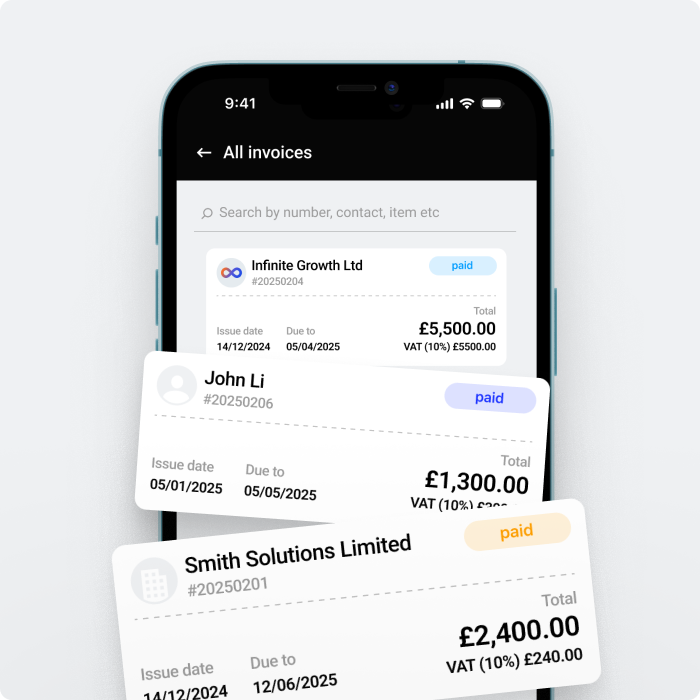
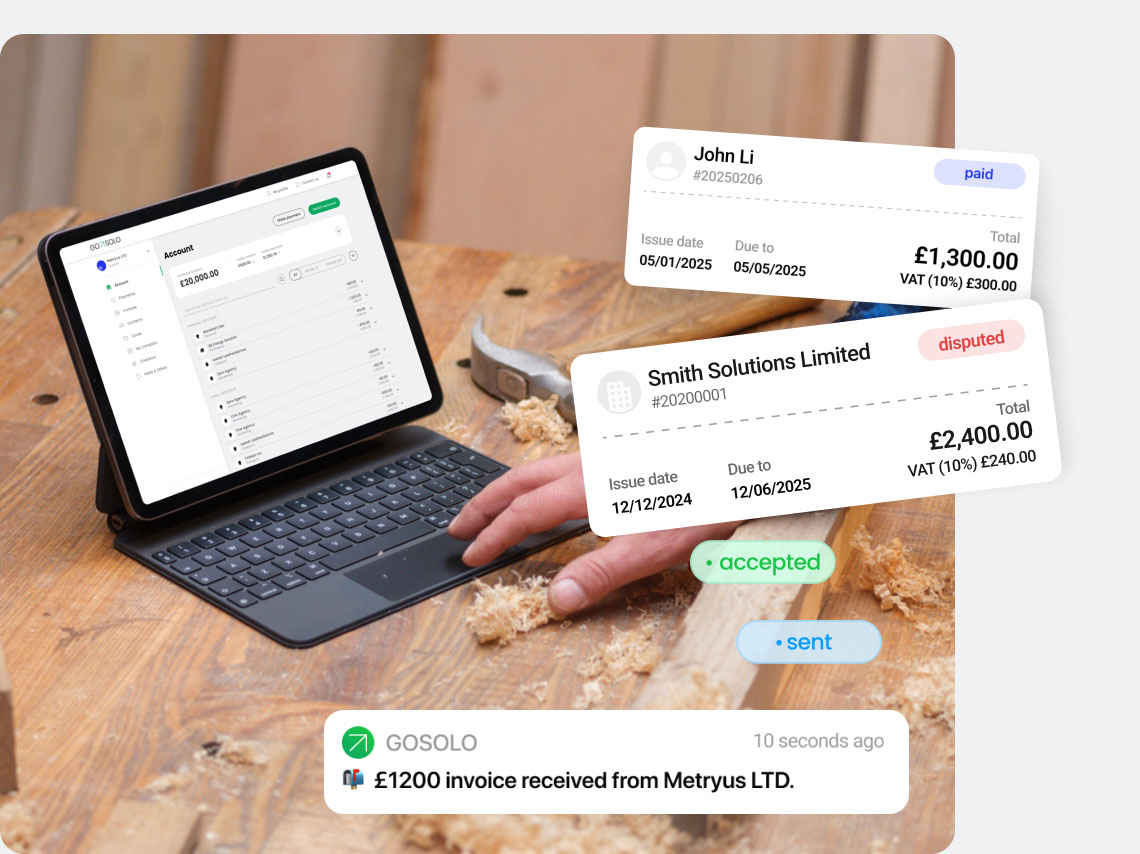
Create and send unlimited invoices from your phone or laptop. Add your logo, smart reminders, and payment links for fast, one-click payments.

<a href="/invoicing">Send invoices that follow-up for you</a>

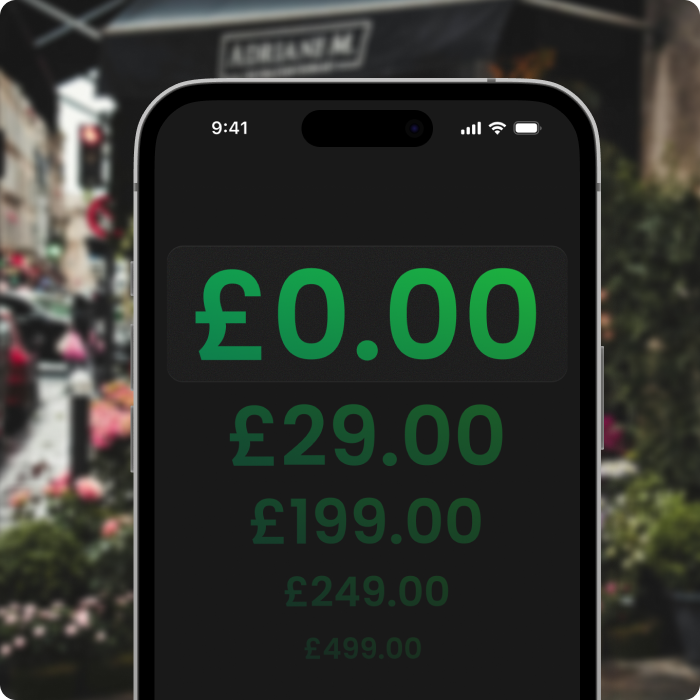
Track your sales in real-time

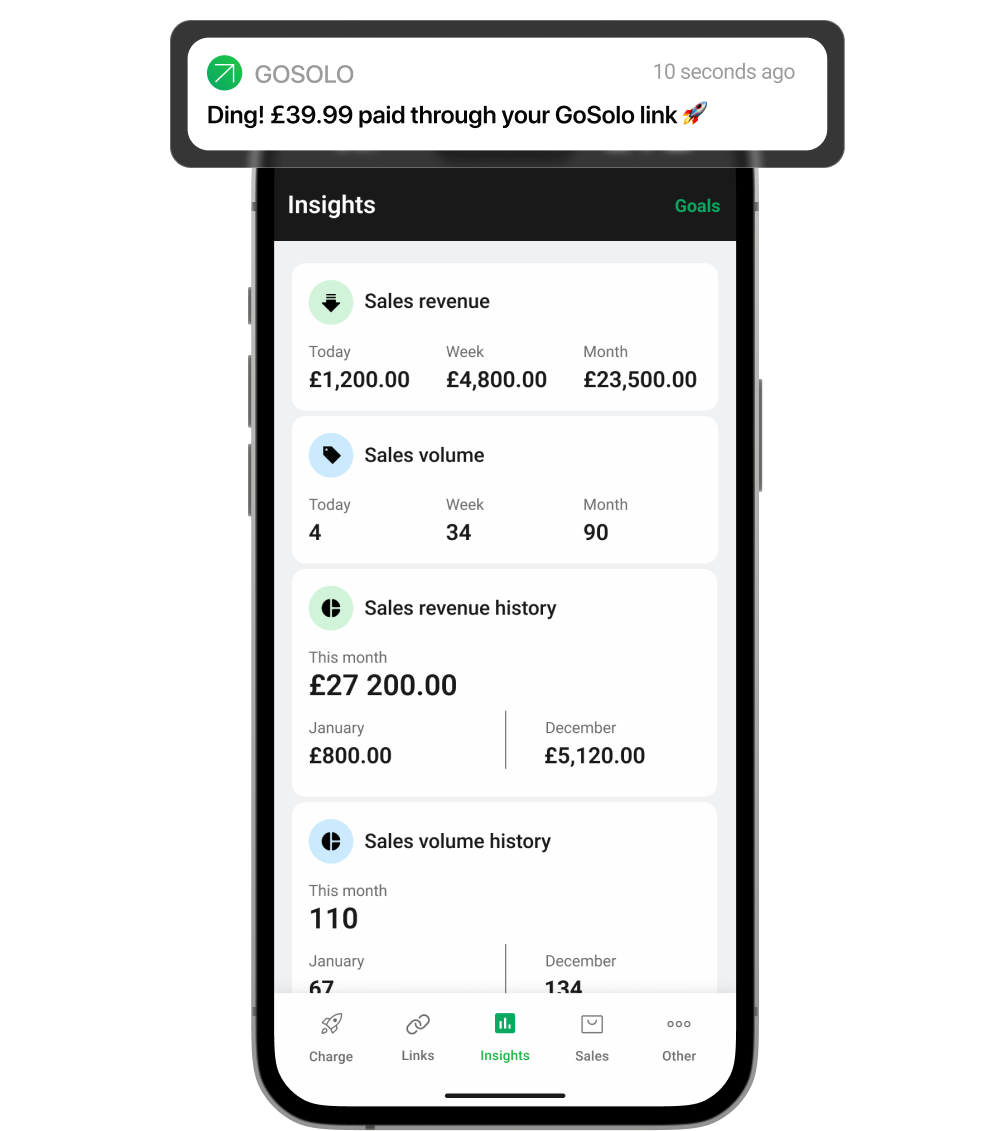
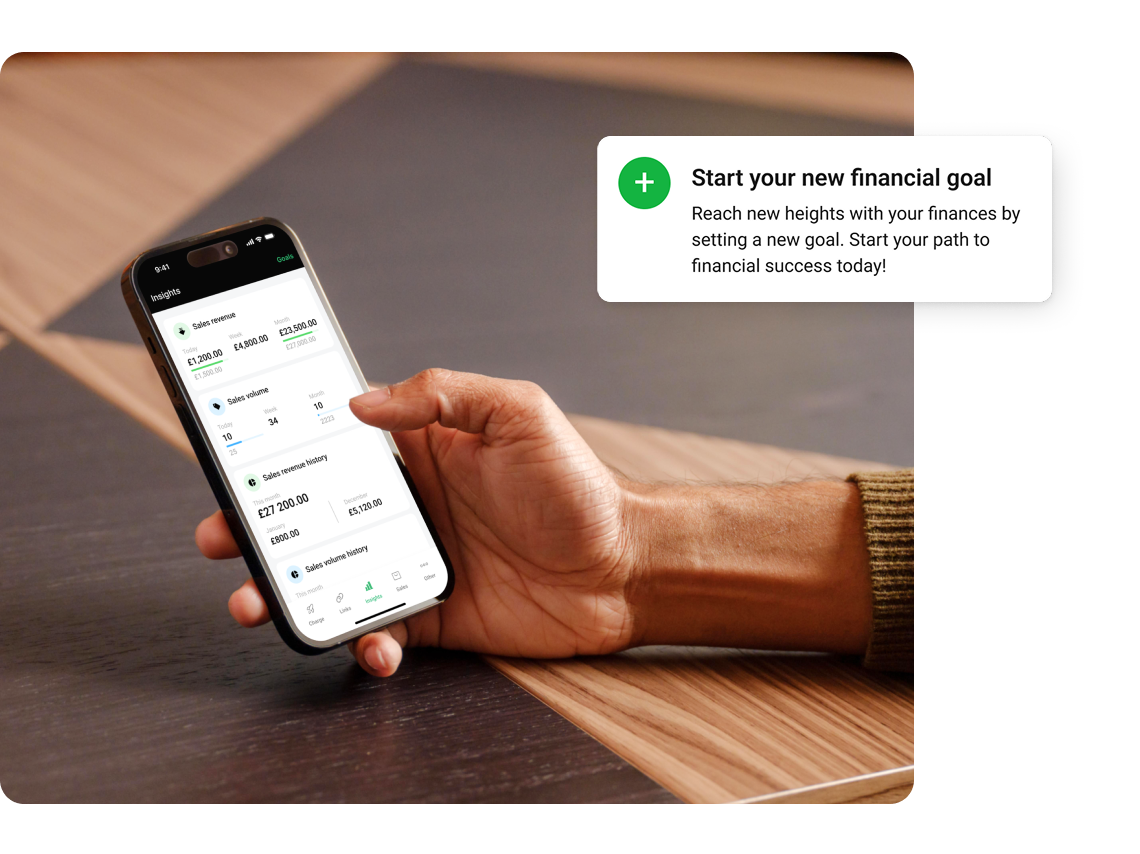
Review payment history and shorten payment times. Set sales targets and monitor daily and monthly progress. The sales dashboard is included in every GoSolo plan, so you can get quick insights and advanced sales reports right in your business account.

Track your sales in real-time

Accept payments with the UK's lowest fee

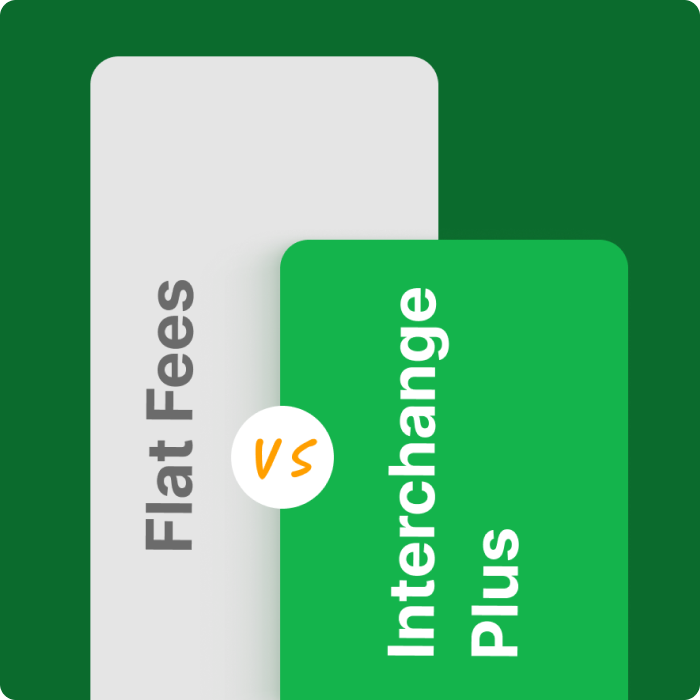
Interchange Plus pricing means we pass on the raw cost of each card transaction and add our fixed, minimal markup of 0.5% + £0.20 — no volume thresholds, no monthly fees, no confusing tiers.

Compare our fees with Barclays, Stripe or Tide — GoSolo is cheaper every time.

Transaction amount
£100
£250
£500
£1,000
£2,000
GoSolo
£1.36
£3.10
£6.00
£11.80
£23.40
Tide
£1.59
£3.84
£7.59
£15.09
£30.09
Stripe
£1.70
£4.00
£7.70
£15.20
£30.20
Barclays
£2.78
£6.91
£13.78
£27.53
£55.03
* Pricing is accurate as of 19/06/2025. The comparison is based on published standard pricing for small businesses taking online payments on a no-monthly-fee contract. Fees may vary based on card type, transaction method, and account type. For up-to-date rates, please check provider websites.

Built for any small business

At your shop or at the customer's door, GoSolo simplifies doing business

-
Beauty and wellbeing

From beauticians and barbers to therapists and pilates pros

-
Car services

Garages and parts suppliers through to car washes

-
Built environment

Sparkies, chippies, ground workers and everyone in between

-
Home services

Gardeners, interior designers and handymen

-
Food and events

Pop-up stalls, event organisers and foodies

-
Creatives

Designers, photographers, and influencers

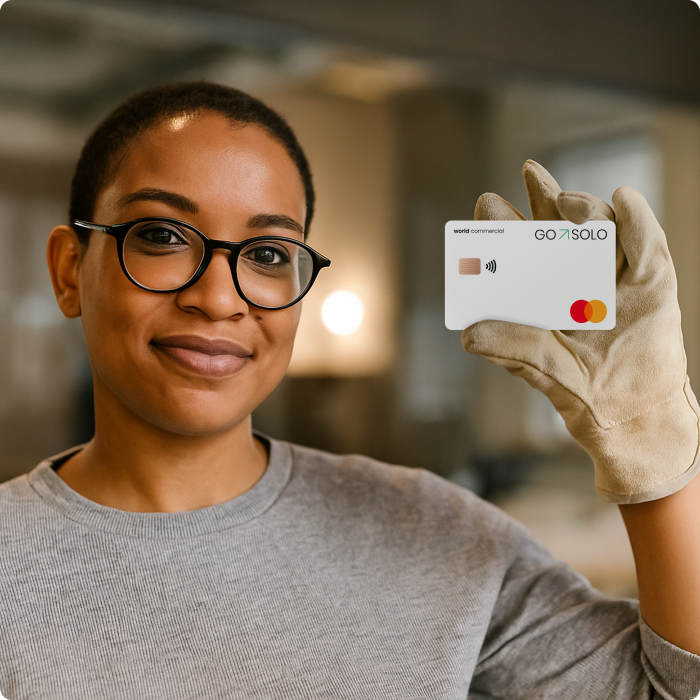
We accept all contactless card payment methods

FAQ: Payment Options for Small Businesses

Can I pay internationally or accept payments from abroad?

We are working hard to bring international payments and currency exchange directly to the GoSolo app, but at the moment, these features are not available.

For now, you can use alternative services such as Payoneer, Paysend, or Wise to send and accept payments from abroad.

What is GoSolo Sales?

GoSolo Sales allows you to accept card payments online and in person directly with your business account app. It also has a QR code and payment link options that create a checkout page for your clients. No app or account is required to pay, making the checkout hassle-free and secure.

What is the transaction fee and how is it charged?

GoSolo uses Interchange++ pricing — the most transparent and beneficial model for small businesses. You’re charged a small base fee (set by the card schemes) plus a low fixed GoSolo margin of 0.5% + 20p. The total fee is automatically deducted from each payment you receive — no hidden costs, volume thresholds or monthly charges.

What is the limit on bank account transfers in GoSolo?

The limit on making payments using online banking and inbound payments is £50,000 per transaction.

What is the limit on card transactions in GoSolo?

Card limit is £1000 per transaction, £5000 per day.

Can I pay myself?

GoSolo only opens business accounts. Please bear this in mind: your account is not a personal one. 

We recommend that you consult with your accountant on ways you, as an owner or director, can get paid from a GoSolo business account.

What follows may not, under any circumstances, be treated as official advice from us. We do not accept any liabilities.

As a general rule, there are several ways a company can pay its individual owner:

  1. Pay a salary
  2. Pay a dividend
  3. Lend a loan

Each option requires careful consideration from the tax and legal points of view, especially if the individual is not a UK resident. There is no general rule that can cover all possible scenarios.

How do I deposit cash?

You cannot deposit cash into your GoSolo business account. We are constantly making changes to GoSolo, and if cash deposit is an important feature to you, please let us know at we@gosolo.net.

Do you have Direct Debit on GoSolo accounts?

Direct Debit is not a part of the GoSolo offering yet. But we are constantly adding new functionality to the GoSolo app and are determined to deliver Direct Debit soon.

What if the payment I get via Tap to Pay is over £100?

When you're getting paid more than £100 in person, using a POS terminal or card reader device, customers usually need to enter their PIN to proceed with the payment. GoSolo doesn't provide any hardware devices, but you still can use the tap-to-pay feature on your phone to accept payments over £100 offline. Due to the “PIN on Glass” technology, your customers can enter their card PIN right on the phone screen to release larger card payments.

What devices are compatible with Tap-to-Pay technology?

Tap-to-Pay is currently available only on iPhone and requires iPhone XS or later running iOS 16.4 or later.

What is Tap-to-Pay?

Tap-to-pay is a contactless payment method that lets you pay quickly and securely by putting your phone, watch, or credit card against a payment terminal (GoSolo mobile app). It uses near-field communication (NFC) technology to transmit your payment information wirelessly.

Tap-to-pay is becoming increasingly popular as it's

  • Fast: No waiting to swipe or insert your card.
  • Secure: Uses one-time codes for transactions.
  • Convenient: Works with various devices like phones, watches, and some contactless cards.

Is Tap to Pay safe?

Tap to Pay is a secure way to make contactless payments. Here's what makes Tap to Pay safe:

  • One-Time Codes: Instead of transmitting your actual card details, Tap to Pay uses near-field communication (NFC) to send a unique, encrypted code for each transaction. Even if someone intercepts this code, it can't be used for future purchases.
  • Short Range: NFC has a very limited range (usually a few centimetres). 
  • Security Measures: Most mobile wallets and contactless cards require additional security measures like fingerprint or PIN verification before processing payments, adding another layer of protection.