





 Back to Blog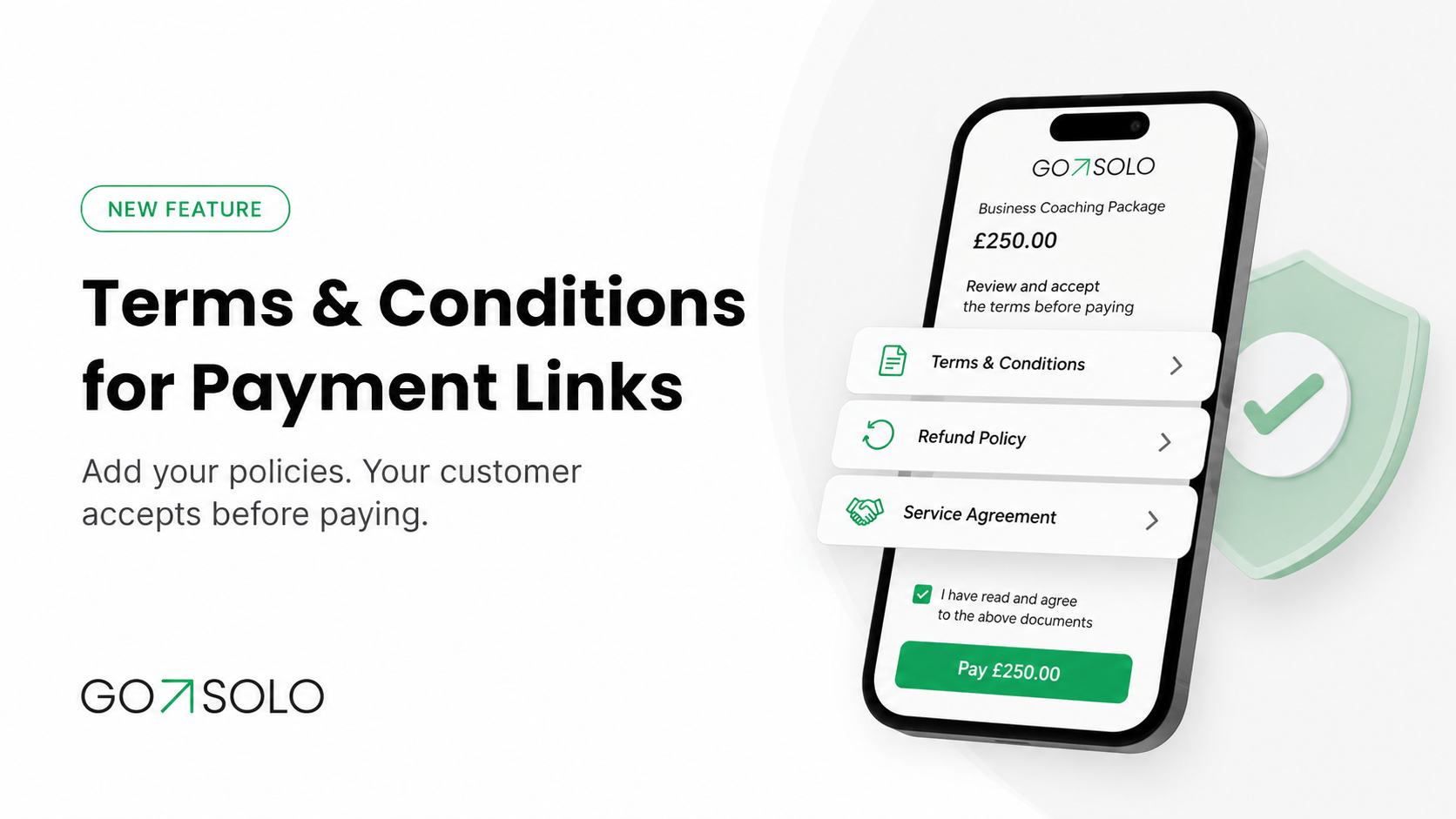


Clear expectations create better customer relationships.
With GoSolo, you can now create and manage your own Terms & Conditions, Refund Policy, Service Agreement or other important business policies and attach them directly to your payment links.
Before completing a payment, your customer will be asked to read and accept the policies you have selected.
That means greater clarity for your customers, better protection for your business and a more professional checkout experience.
Keep your important business policies in one place
You can create and manage up to three policies in your GoSolo account.
These might include:
- Terms & Conditions
- Refund and cancellation policies
- Service agreements
- Rental terms
- Delivery information
- Booking or rescheduling policies
- Other conditions relevant to your business
You can give each policy a clear title and add the information your customers need to know before paying.
When your terms change, simply update the policy in GoSolo rather than creating a new payment process from scratch.
Choose which policies apply to each payment link
Different products and services may need different conditions.
For example, your refund policy may apply to every purchase, while rental terms may only be relevant to a particular payment link.
GoSolo lets you select which of your saved policies should be attached to each link. This gives you the flexibility to show customers the right information for the payment they are making.
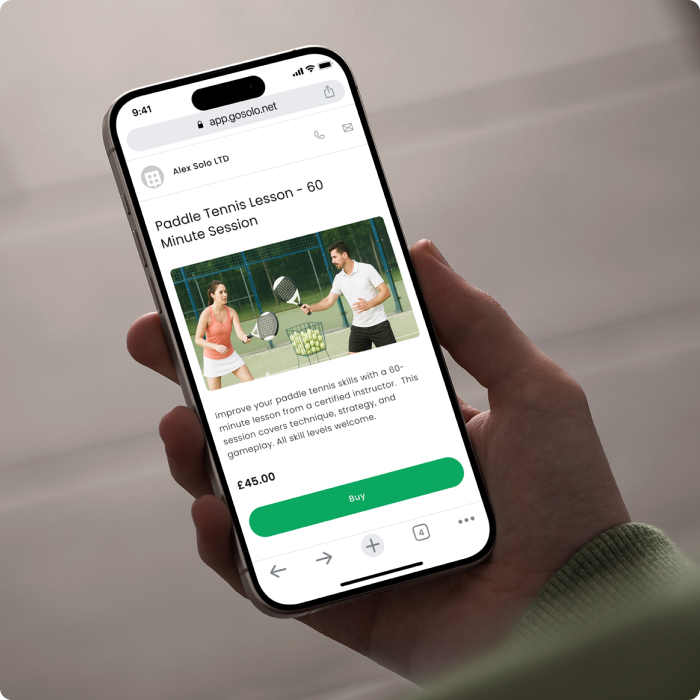
You can use the feature with your payment links to make checkout clearer without filling the main payment description with lengthy conditions.
Customers accept your policies before paying
When a customer opens your payment link, they can review the attached policies before completing their payment.
They will be asked to confirm that they have read and accepted them before continuing.
This creates a clearer payment journey by helping customers understand important details such as:
- What is included in the purchase
- Whether a payment is refundable
- How cancellations are handled
- When a service will be delivered
- What happens if a booking is changed
- Which responsibilities apply to each party
Customers know what to expect, while your business has a clearer record that the relevant policies were presented and accepted.
Why clear terms matter
Misunderstandings often happen when important details are discussed across messages, emails and phone calls.
A customer may overlook a cancellation deadline. A delivery condition may not be clear. A service provider and client may have different expectations about what is included.
Attaching your policies to the payment link puts the information in front of the customer at the most relevant moment: before they pay.
This can help you:
- Set expectations from the beginning
- Reduce unnecessary questions
- Avoid preventable misunderstandings
- Present your business more professionally
- Create a more consistent checkout process
It also means you do not have to send the same documents separately every time you request a payment.
Useful for products, services, bookings and rentals
The feature can support many types of small businesses.
Consultants and freelancers can attach a service agreement explaining the scope of work, revisions and delivery terms.
Personal trainers, therapists and beauty professionals can add cancellation and rescheduling policies to booking payment links.
Retailers and online sellers can show refund, exchange and delivery information before an order is paid for.
Equipment and property rental businesses can attach rental conditions, return requirements and customer responsibilities.
Tradespeople and home-service businesses can explain deposits, appointment changes and what is included in the quoted service.
Whatever you sell, clear policies can help your customers feel more confident about paying.
How it works
- Create a policy in your GoSolo Sale settings and give it a clear title.
- Add your policy text and save it.
- Create or edit a payment link.
- Select the policies that apply to that link.
- Share the payment link with your customer.
Your customer will be able to review and accept the selected policies before completing the payment.
Tips for writing clearer policies
Keep your language direct and easy to understand. Customers should be able to quickly identify what applies to their purchase.
Use short sections and descriptive headings instead of one long block of text. Include specific timeframes where relevant, such as the number of days available for cancellations or refunds.
Review your policies regularly and update them whenever your services, fulfilment process or business conditions change.
Available now in GoSolo
Terms & Conditions for payment links are now available in GoSolo.
Create your policies, attach the relevant ones to your payment links and give customers greater clarity before they pay.
New to GoSolo? Open your business account and discover a simpler way to sell, get paid and manage your business in one app.